How to compare/export “Field Permissions” for multiple Salesforce Profiles?
Published: Apr 19 2019
Last Updated: Apr 30 2026
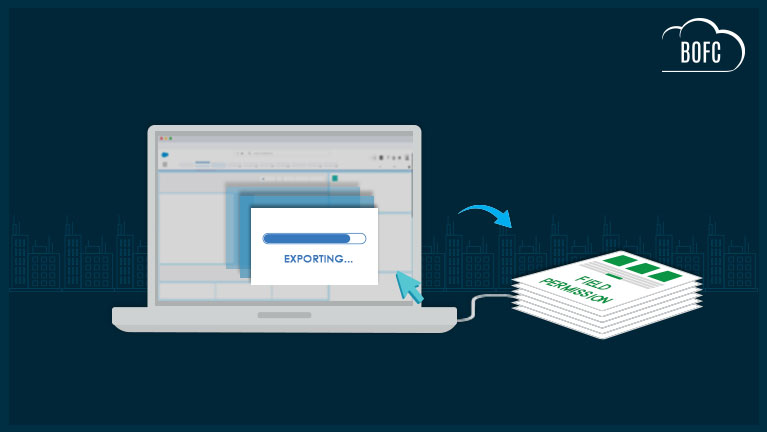
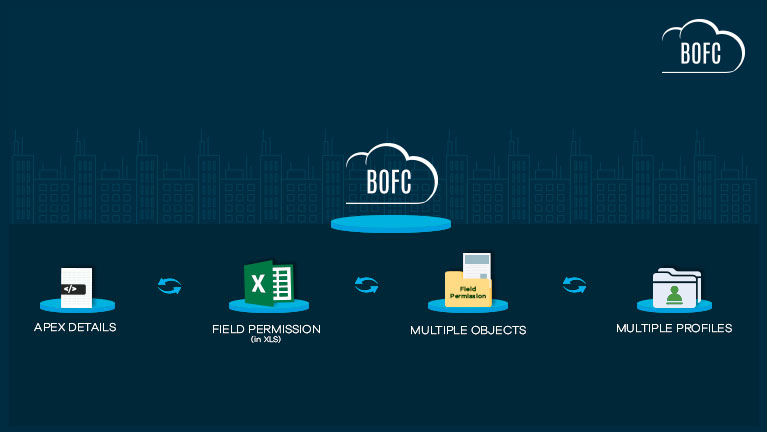
For any Salesforce Admin or developer, managing field-level permissions across multiple objects and profiles can quickly become complex and time-consuming. Whether you need to compare or export field permissions (in XLS), the standard Salesforce approach requires opening each profile and reviewing permissions field by field—making the process tedious and inefficient.
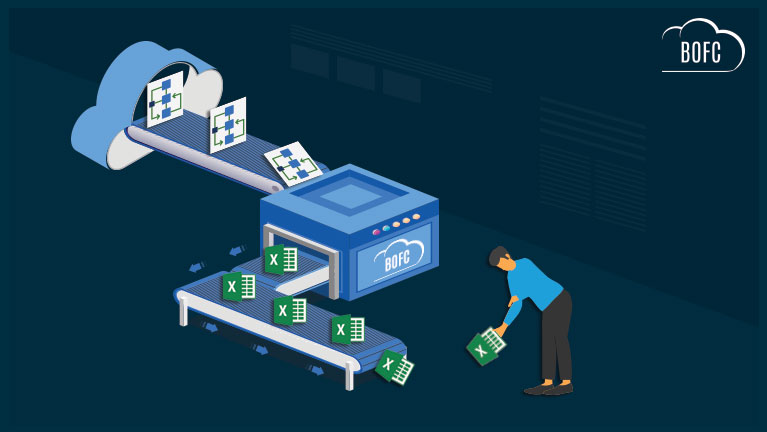
With BOFC (Bulk Object Field Creator), you can simplify this entire process. The app allows you to compare or export field permissions across multiple objects and profiles within the same Salesforce org in just a few clicks, saving hours of manual effort.
Benefits of Using BOFC
-
Supports both Standard and Custom Objects
-
Compare or export field permissions for single or multiple objects instantly
-
Works across multiple profiles simultaneously
-
Easy-to-use drag-and-drop interface
-
Eliminates repetitive manual work and improves accuracy
👉 Ideal for audits, access reviews, and faster metadata management.
To avail this feature, kindly make sure you have installed the latest version of the application. You can upgrade your package using either of two ways:
- In Salesforce, go to “BOFC Home > Settings > App Version > Click to Upgrade” — or —
- Refer the below button to quickly upgrade your package to the latest version and explore its complete benefits:
Stay up to date with the latest in BOFC - Latest features, offers, news, tips and more
Few Simple Steps to manage Field Permissions actions:
1. Open the BOFC Home > Goto Field Permissions Section
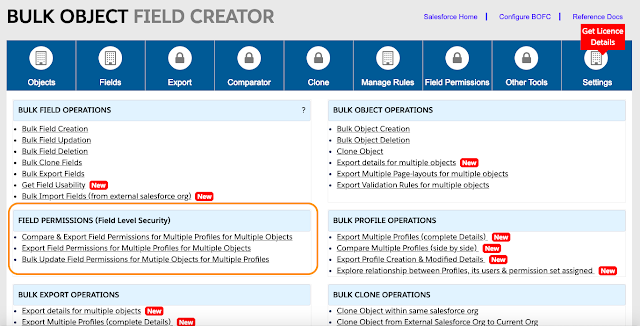
2. It will open below screen for Field Permissions

3. Select any one “action type” from the radio buttons
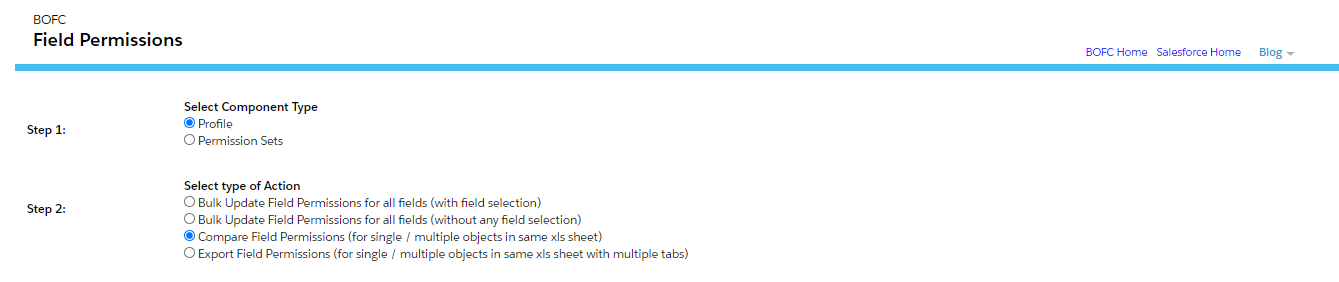
4. If user select “Compare” or “Export”, it will show below screen:
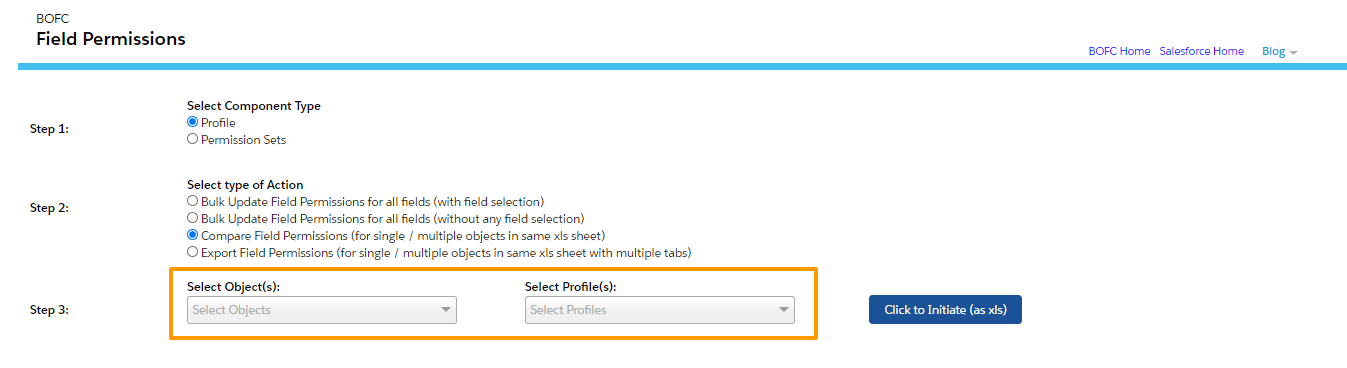
Please select single or multiple objects, and select single or multiple profiles. Once done then click on “Click to Initiate Export (as xls)” button.
5. Please don’t refresh your page, until status is changed to “Completed”
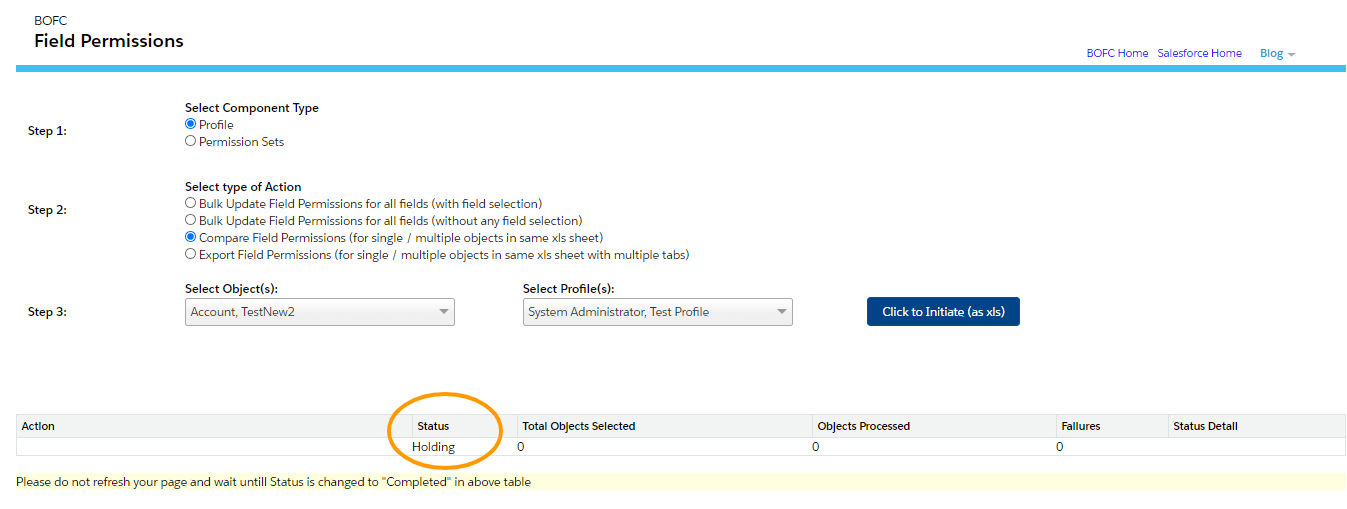
Once it is completed, it will show below screen
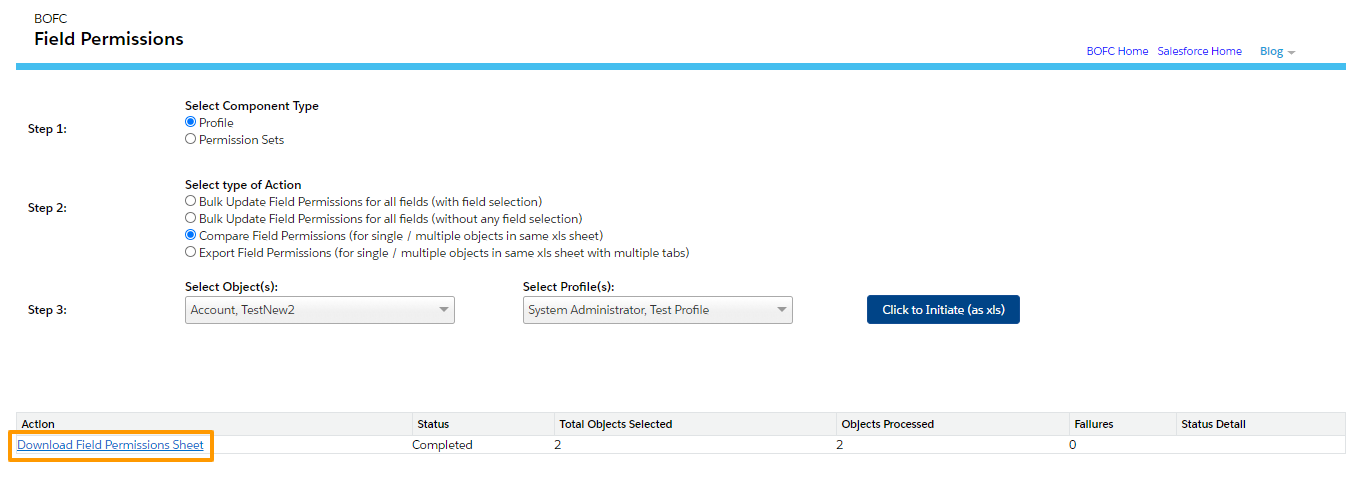
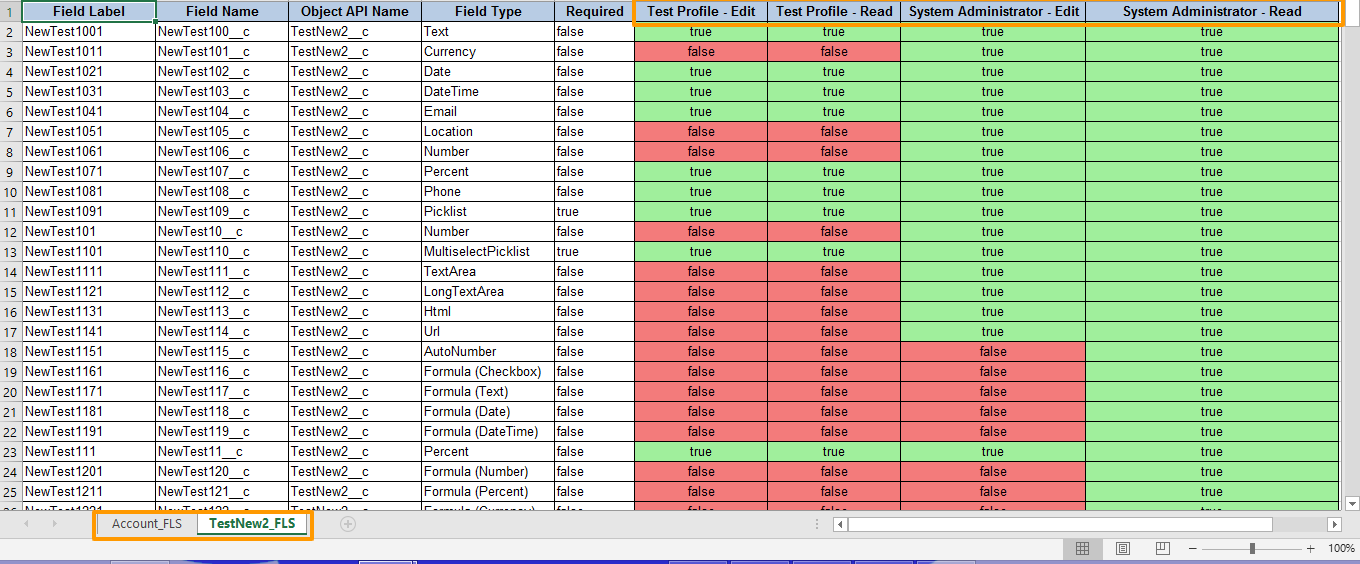
Click on Download link as per above image and your file for field permissions is ready for download for multiple objects.