Requirement:
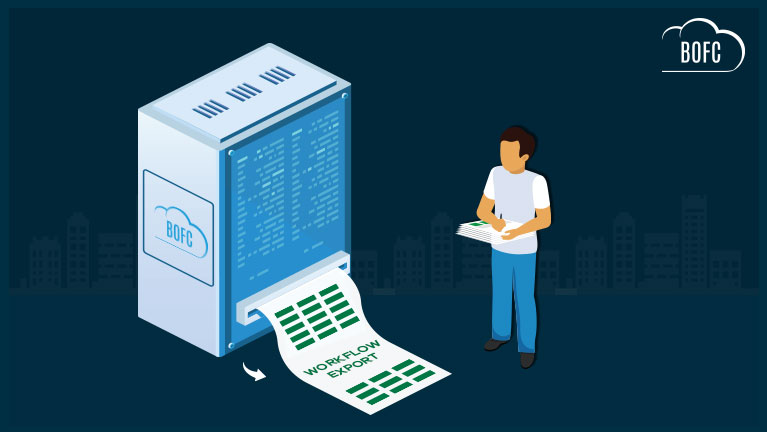
For any Salesforce Admin or developer, if there is a requirement to Bulk Export workflow rules for multiple objects (for any Standard or Custom Object).
Benefits of BOFC App to Export Workflow Rules:
- Works for both Standard and Custom Object rules
- Perform any action on (Single or Multiple) workflow rules
- Perform any action on rules of (Single or multiple) objects at same time
- Easy to use with few clicks
- Saves ample amount of time of doing manual work
To avail this feature, kindly make sure you have installed the latest version of the application. You can upgrade your package using either of two ways:
- In Salesforce, go to “BOFC Home > Settings > App Version > Click to Upgrade” — or —
- Refer the below button to quickly upgrade your package to the latest version and explore its complete benefits:
Few Simple Steps to Export Workflow Rules Salesforce
1. Open the BOFC Home > Click “Bulk Update, Delete & Export Workflow Rules”
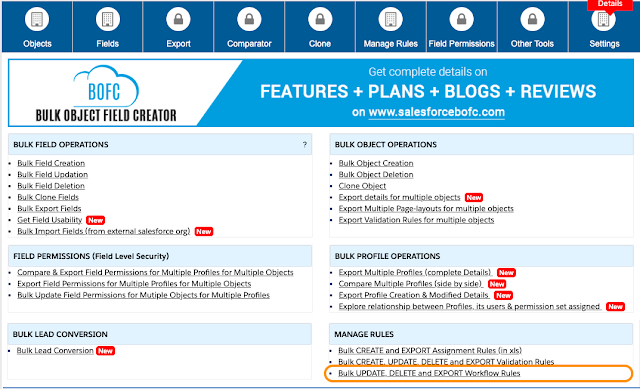
2. It will open below screen for Workflows

3. Select the “Type of Operation as Export” from the options and screen looks like below image

Above image has many features (each number has its description as below):
- Select the type of operation as Export from the dropdown.
- User can Select single or multiple objects from the dropdown
- User Can Select the Type of Actions in includes in Workflow rules.
- Click on Download Validation Rules Button to export workflow rules.
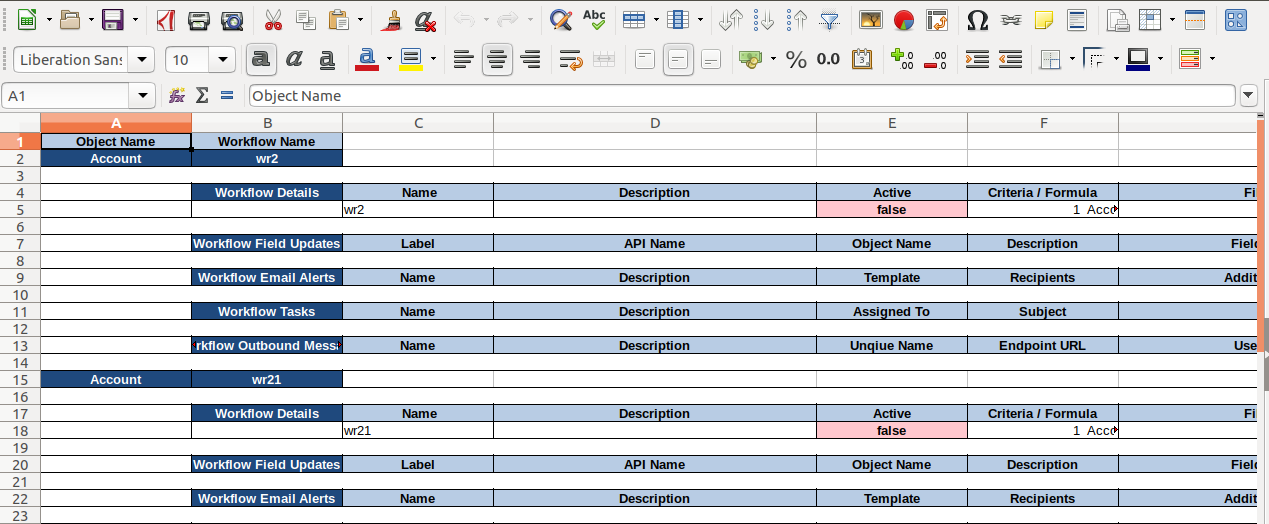
4. Once Download Workflow Rules Button is clicked, it will download all the rules for selected object in xls file and once sheet Is opened it looks as per below image:
Have a look at step by step detailed video to “Bulk Export Workflow Rule in Salesforce using BOFC App”
******************************************************************************
Have you started using BOFC yet? Thousands of BOFC users have been able to save time & boost productivity using our Salesforce Metadata app. Click here to install the latest version of BOFC application in your Salesforce instance & explore its complete benefits for you.
For any queries or suggestions, you can contact us at https://www.bofc.io/#contact or mail us: support@bofcapp.io. Our BOFC Expert will help you get the best out of it.